
Standard
$50per seat per month
You set the standard. We enforce it for internal and incoming reports.
From collections teams
Feedback from museum and foundation teams using Art Condition Reports and earlier exhibii releases.
“Exhibii has made condition reporting faster and easier to document. I like that I can use the app on my phone as well as a tablet.”
“[ACR] has proven to be an invaluable addition to our Collections toolkit.”
“Exhibii has revolutionized the way we manage temporary exhibitions. For our small staff it has truly streamlined one of our most important processes.”
Workflow
The app is cross-platform, so you can do the bulkier import and organization work at your desk. Then mark up images on your mobile device, beside the object, with no Wi-Fi needed.
At the deskWeb app
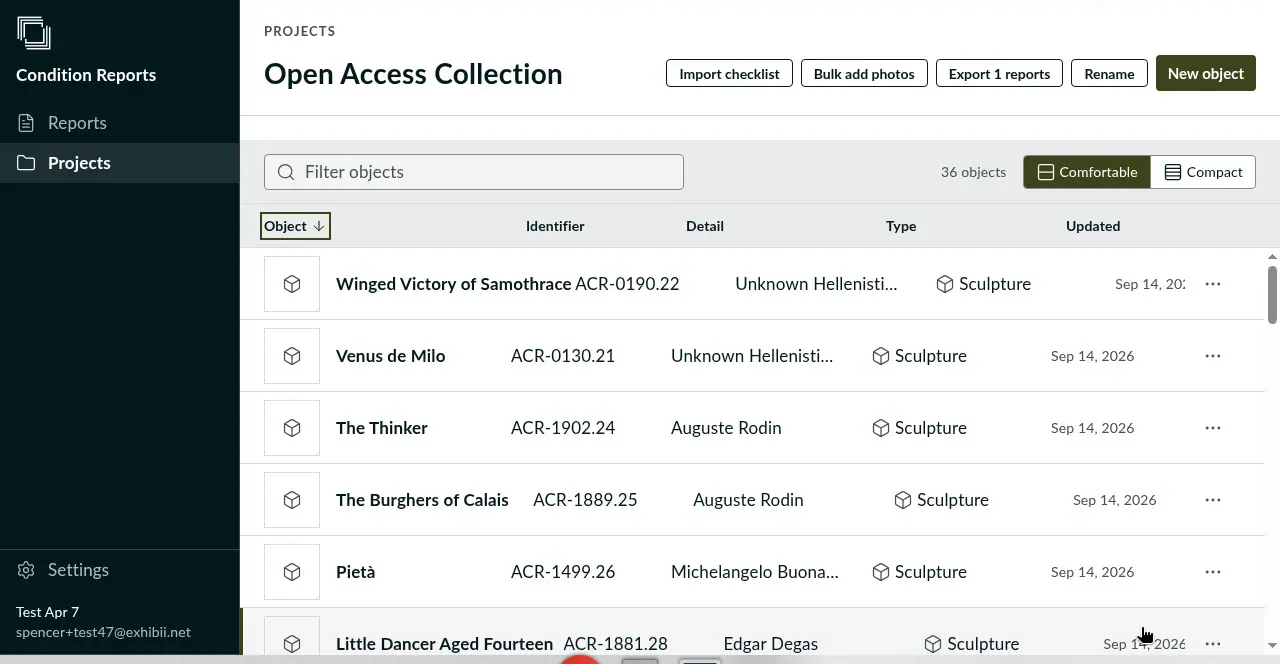
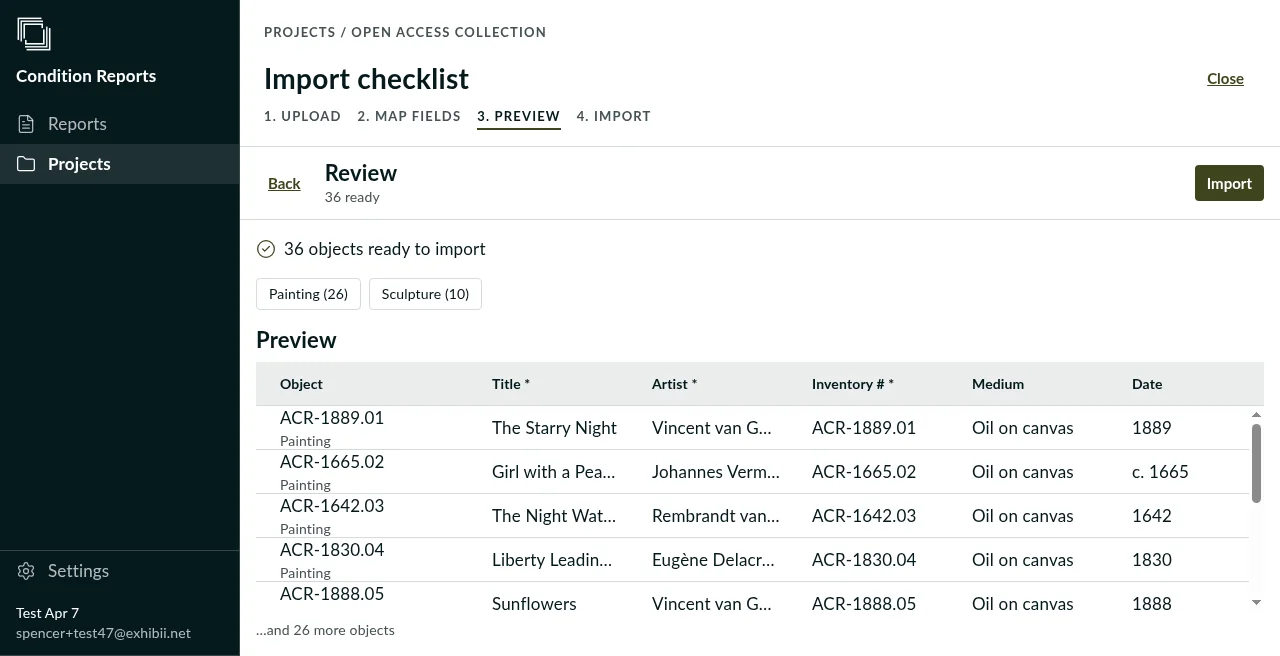
Bring the lender's checklist or your own collections export into a project, map its columns once, and every object opens with the fields your registrars expect.
On the goPhone and tablet
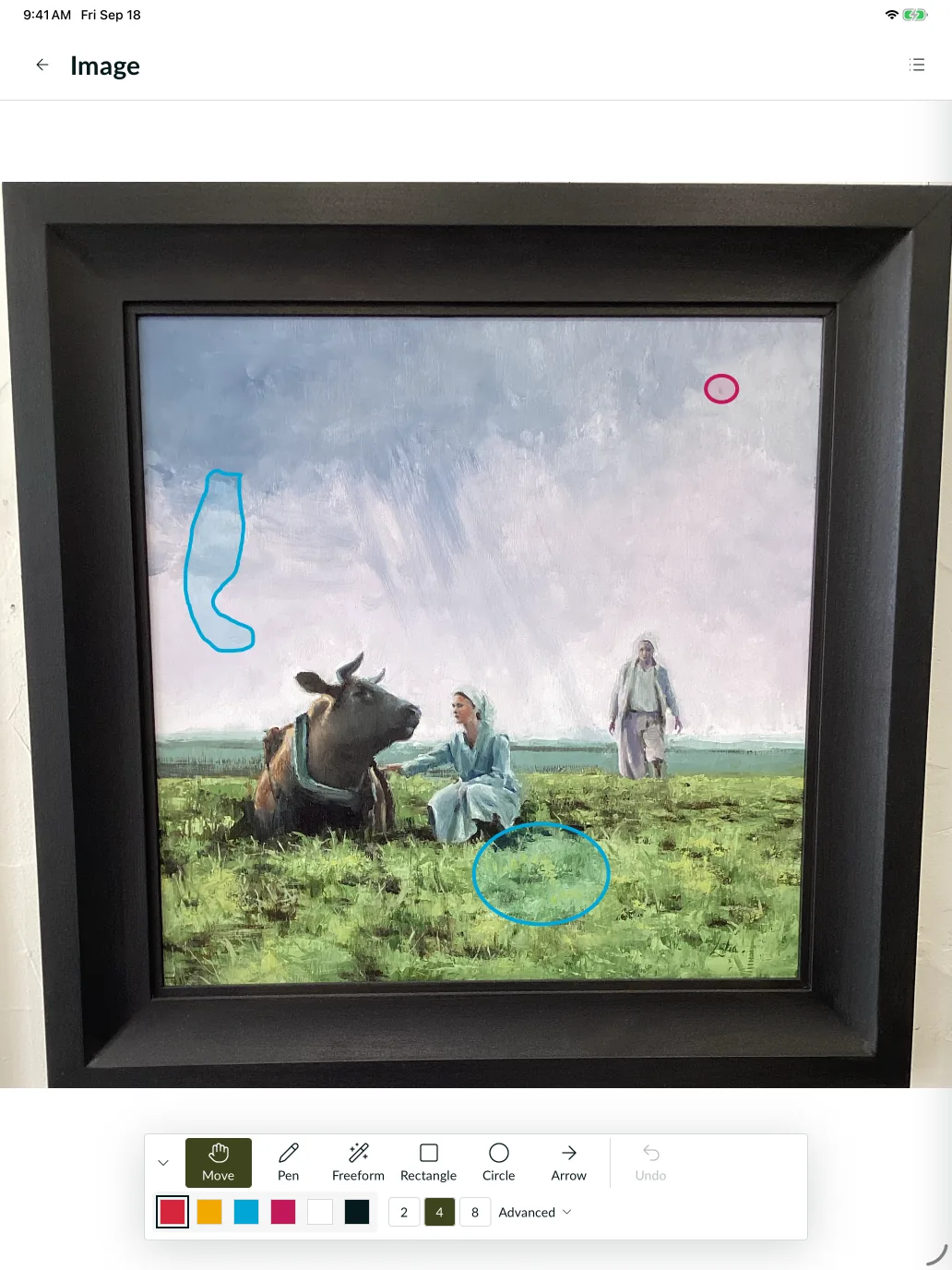
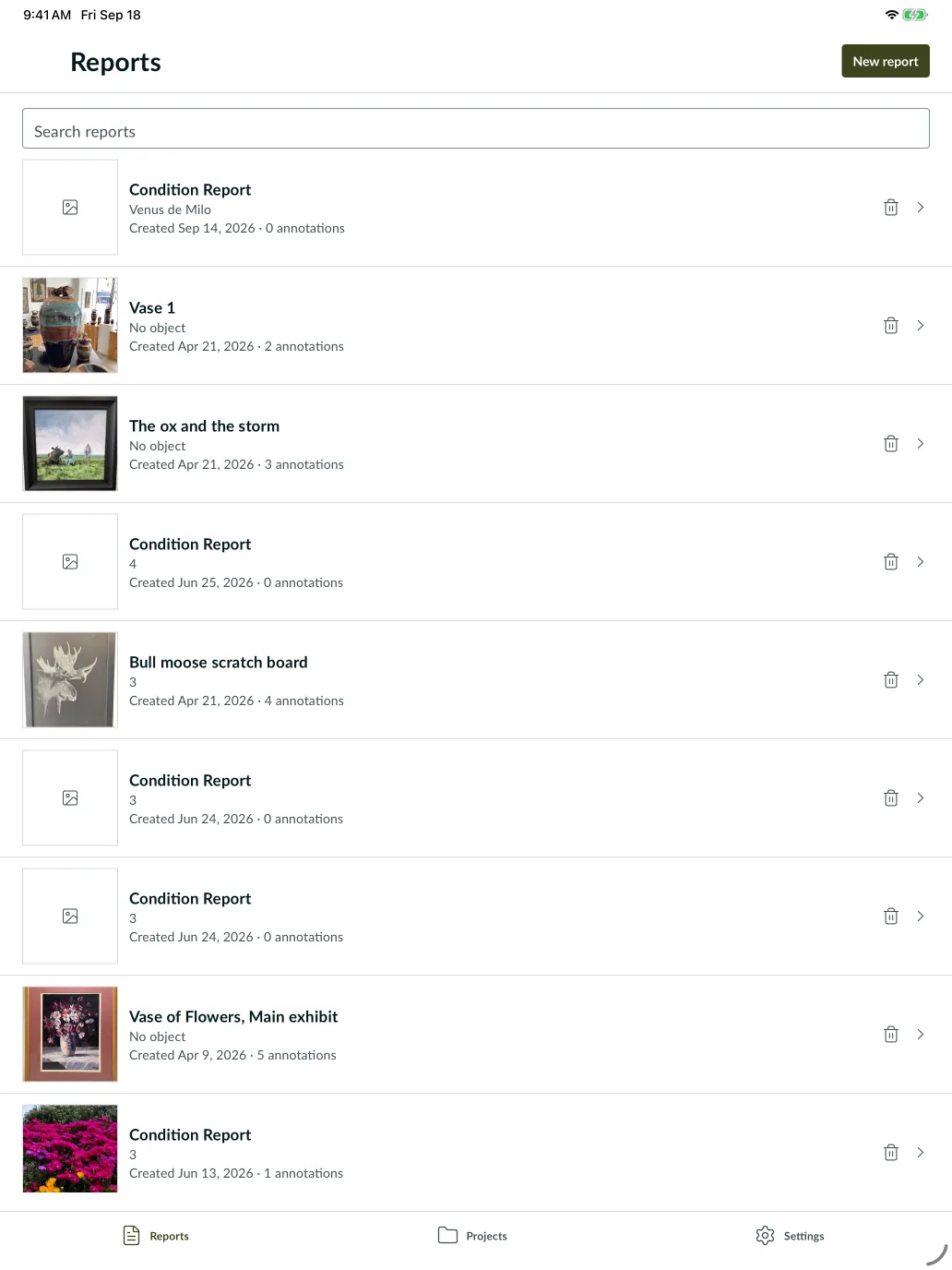
On the gallery floor or as you unpack the crate, photograph each view. Draw findings on the photograph, and select the annotation type from your institution's list. The report is ready to sign before the truck leaves.
Features
Add the views a painting, sculpture, or piece of furniture needs. Label your photos so front, back, and detail views are clear in the report.
Draw, move, and resize marks with your finger or Apple Pencil. Group several marks under one finding when they share a damage type.
Create object types for your collection, from paintings to silverware. Add the exact checklist fields each type needs, and the damage terms everyone chooses from.
Ask a lender to write their outgoing condition report in Art Condition Reports. It arrives in the same format as your own reports, ready to compare when the object reaches you.
Invite teammates into your organization to work on the same projects, objects, and reports. Changes sync across devices and users.
Photograph, annotate, and write notes on your phone or tablet wherever the objects are. Your work saves on the device and syncs when you reconnect.
Pricing
$50per seat per month
$30per seat per month
All users get full access to:
Photograph an object, record a finding, and export the PDF. See how the finished report fits your work.
Art Condition Reports runs on phones, tablets, and the web, and your work syncs between them. Many teams report on an iPad beside the object, then use the web app at a desk for imports and project setup.
Yes. Sign in and sync the objects and photos you need before going offline. You can then photograph, annotate, add notes, and export PDFs on your phone or tablet. Your changes sync when you reconnect.
Yes. Add the views each object needs and create custom object types with their own fields. Your collection can use its own categories.
Import object data from a CSV, map your columns, and review before importing. Upload images in a separate step, then match them to the objects.
Yes. Set up the damage types your team uses, then choose from that list when adding an annotation. You can tailor the terms to the objects and materials in your collection.
Yes. Custom templates support a consistent report layout for your organization. Send an example to discuss the format you need.
Yes. Export the project's reports together as individual PDFs in one ZIP file, so you don't have to export each report separately.
You can keep working in the same report, add newly observed damage and a new signature, then export another PDF.
Export the PDF and send it using your usual email or file-sharing tool. The recipient can read it without an Art Condition Reports account.
Yes. Teammates in your organization can access the same projects, objects, and reports. Each seat costs $50 per month, or $30 per month for nonprofit organizations, in USD.
Yes. Annual pricing is $500 per seat, or $300 per seat for nonprofit organizations, in USD. Email Spencer for an annual invoice for your finance team.
Send Spencer your security questionnaire or data requirements. We can provide information about data storage and handling for your institution's review.
Contact
Questions about your objects, report format, or first import? Speak directly with the owner.
Demo
Bring an object or a sample report. We'll go from photo to PDF and look at what your team needs.